


Disclosure: TheSkypedia is run by the team behind KSPElectronics, an authorised Bambu Lab reseller in India. We test the products we review ourselves. Links to kspelectronics.in go to our own store, and we may earn from purchases made there. Read our full disclosure.
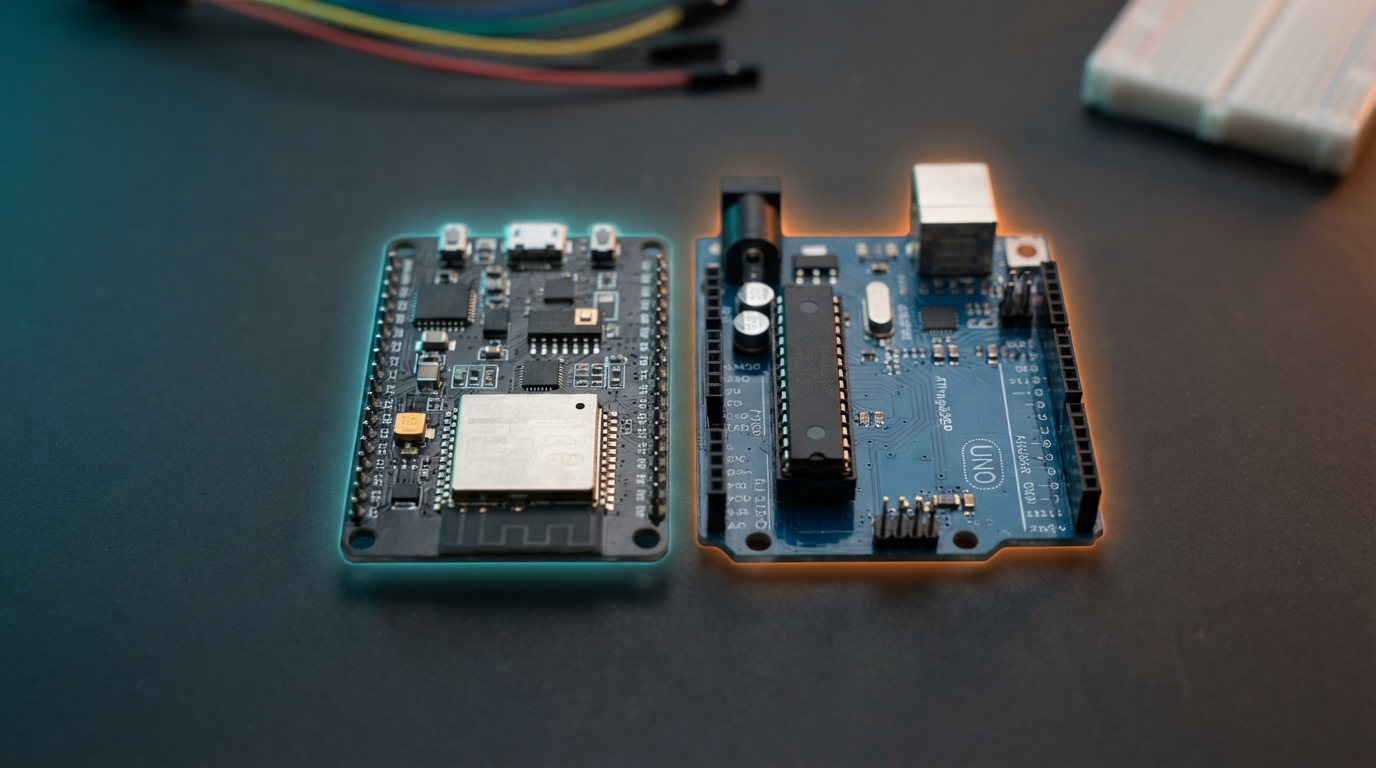
ESP32 or Arduino? If your project needs Wi-Fi, Bluetooth or more processing power, pick the ESP32. If you are learning electronics for the first time or need 5 V logic for older shields and sensors, start with an Arduino Uno. Both are programmed in the same Arduino IDE, so what you learn on one carries over to the other.
ESP32 vs Arduino Uno at a glance
| Feature | ESP32 (DevKit, WROOM-32) | Arduino Uno R3 |
|---|---|---|
| Processor | Dual-core Xtensa LX6, up to 240 MHz | ATmega328P, 16 MHz, single core |
| RAM (SRAM) | 520 KB | 2 KB |
| Flash (program memory) | Typically 4 MB | 32 KB |
| Wi-Fi | Yes, 802.11 b/g/n | No (needs a shield or module) |
| Bluetooth | Bluetooth 4.2 + BLE | No |
| Logic voltage | 3.3 V (pins are not 5 V tolerant) | 5 V |
| Usable GPIO | About 25 on a 30-pin board | 14 digital + 6 analog |
| ADC | 12-bit, up to 18 channels | 10-bit, 6 channels |
| DAC | 2 × 8-bit | None |
| Deep-sleep current | Around 10 µA (chip only) | Not designed for low-power sleep |
| Typical price in India | ₹400 at KSPElectronics | ₹250 (compatible) / ₹480 (ATmega16U2) |
When to choose the ESP32
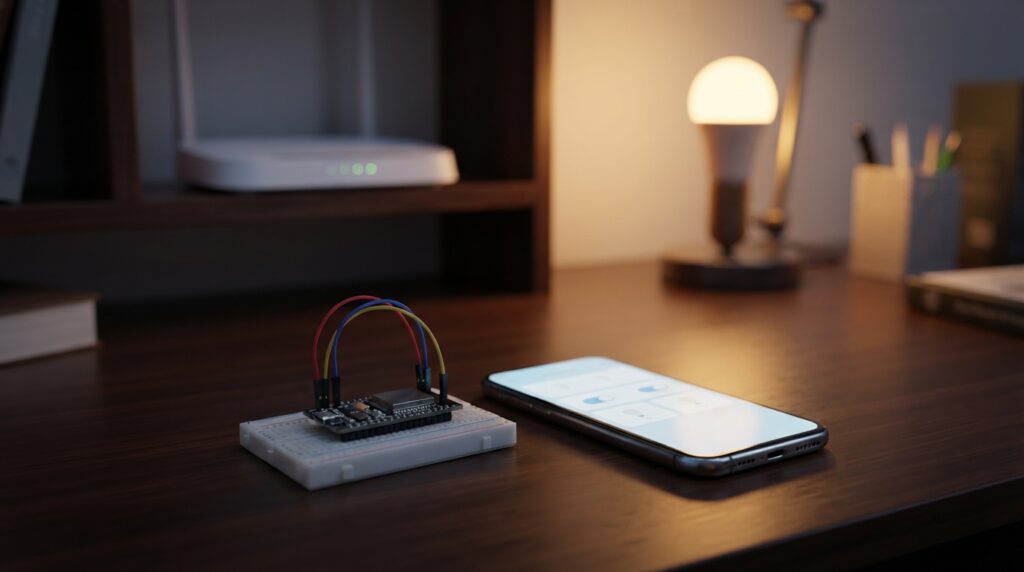
- Anything connected: home automation, IoT dashboards, sending sensor data to the cloud, Telegram or WhatsApp alerts, or a web page served from the board itself.
- Bluetooth projects: BLE beacons, phone-controlled robots, wireless keyboards.
- Heavier code: two cores and 520 KB RAM handle JSON, displays, MQTT and multiple sensors without running out of memory.
- Battery projects: deep sleep lets a weather sensor run for months on a battery when it wakes only to send a reading.
- Camera projects: the ESP32-CAM adds an OV2640 camera for streaming and face detection.
When to choose the Arduino Uno
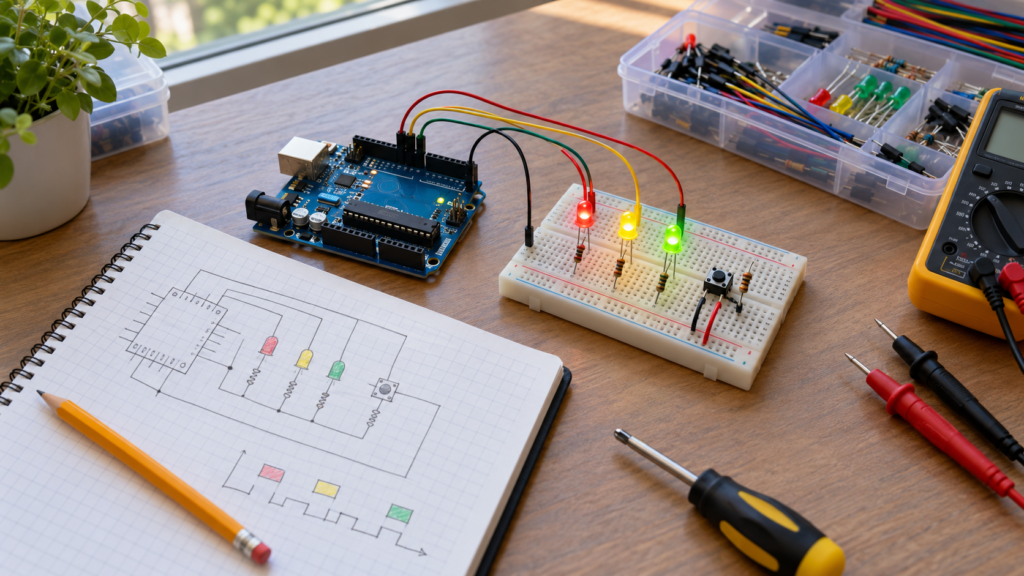
- Your first electronics project: the Uno is forgiving, has the most beginner tutorials, and 5 V logic matches most classic kits.
- 5 V sensors and shields: many older modules and motor shields expect 5 V signals and plug straight into the Uno header.
- Simple, offline control: traffic lights, line-following robots, timers and relays do not need Wi-Fi.
- Classroom and lab work: most college syllabi and lab manuals are written around the Uno.
Key differences that catch beginners out
1. 3.3 V vs 5 V logic
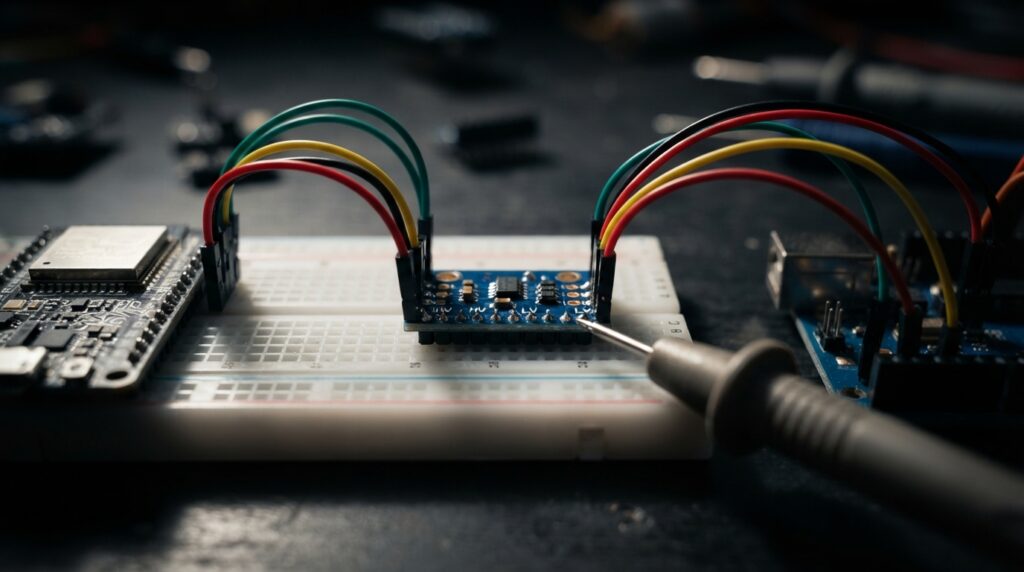
The ESP32 runs at 3.3 V and its pins are not 5 V tolerant. Connecting a 5 V sensor output directly can damage it. Use a logic level shifter or a voltage divider, or choose 3.3 V modules.
2. Pins you should avoid on the ESP32
GPIO 6–11 are connected to the onboard flash and must not be used. GPIO 34–39 are input-only. GPIO 0, 2, 12 and 15 affect boot mode, so avoid pulling them high or low at power-up. ADC2 pins cannot be read while Wi-Fi is active, so use ADC1 pins (GPIO 32–39) for analog sensors in Wi-Fi projects.
3. Drivers and uploading
Most ESP32 boards use a CP2102 or CH340 USB chip, so install that driver first. In the Arduino IDE, add the ESP32 board package through Boards Manager, then select ESP32 Dev Module. If an upload fails at “Connecting…”, hold the BOOT button until uploading starts.
4. Power draw
With Wi-Fi on, the ESP32 can draw peaks of several hundred milliamps. A weak USB cable or port causes random resets, so use a good cable and a 5 V 1 A (or better) supply.
Can you use both together?
Yes. A common pattern is an Arduino handling 5 V motors and sensors, sending data over serial to an ESP32 that handles Wi-Fi. For most new projects, though, a single ESP32 is simpler and cheaper.
Our recommendation
| If you want to… | Choose |
|---|---|
| Learn the basics, follow a lab manual | Arduino Uno |
| Build IoT, smart home or app-controlled projects | ESP32 DevKit |
| Add a camera | ESP32-CAM |
| Run AI/ML, USB or displays with more memory | ESP32-S3 (N16R8) |
| Keep cost lowest for an offline project | Arduino Nano (₹210) |
Ready to build something? Try our ESP32 weather station with DHT22 project next.
Related guides
- ESP32 Weather Station with DHT22: Step-by-Step Project (Code + Wiring)
- An Introduction to Arduino IDE and ESP32: A Powerful Combination for IoT Projects
- What is Raspberry Pi? Beginner Friendly Guide (2026)
- What is IoT? A Beginner’s Guide to the Internet of Things

2 Comments
Pingback: Arduino IDE and ESP32: Beginner's Introduction
Pingback: ESP32 Weather Station with DHT22 (Code + Wiring)